
We look forward to cooking for you! Your gift is credit toward any appointment.
New to Dinner Elf
- Open your gift email and click the link to see your gift.
- Click "Find your chef" and pick a time. When asked "Add your gift?", click "Yes, add it."
- Add a backup card and book. Your credit is used first.
Already have an account
Open your gift email, click the link and click "Add to my account." If you aren't logged in, click "Log in to add it" first.
Or on your Account page, under Credit, click "Have a code?" Paste your code or the link from your gift email, click "Check code" and then "Yes, add it."
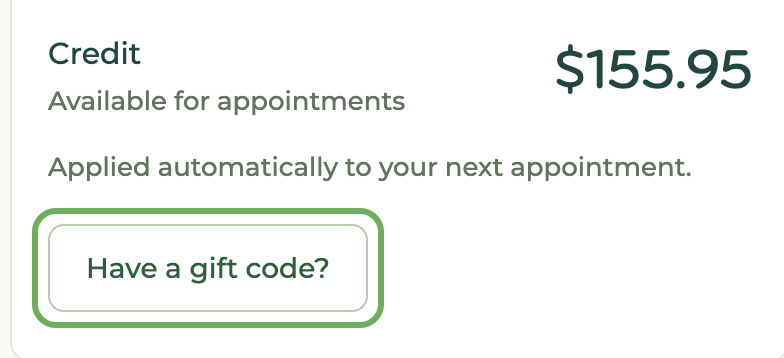
"Have a code?" is also at checkout and in the Billing section of an upcoming appointment.
Notes
- We always require a backup payment method. Your credit is used first.
- See your credit on your billing page. It's applied automatically to your next appointments.
- If you don't see your credit, contact support and we'll help.
- Your email may mention a package (e.g. "3 nights of dinner"), but you receive a credit to use any way you'd like.