
Schedule your appointments online 24/7.
How to book
First, go to your booking page as a new customer or as a returning customer and select a weekly or single spot.
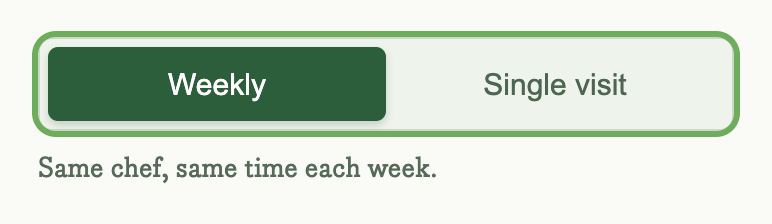
- Weekly - A weekly spot (e.g., Mondays @ 9am) with your favorite chef and time.
- Single - A single appointment (e.g., Jan 17th @ 9am) within the next 7 days.
When booking, you'll see lots of information about your chef, including ratings, reviews, time in-home, and more.
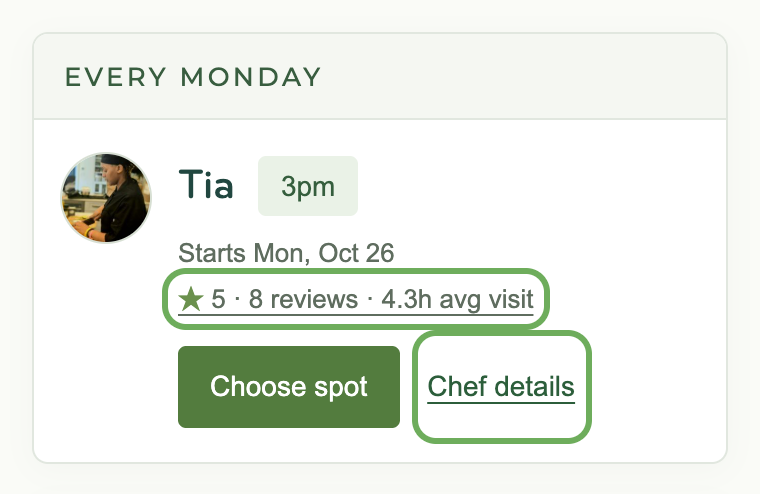
Or click their name to see their bio, reviews, and much more.
Then pick a time and click "Choose spot." 👍
Payment hold
At 5pm four days before your appointment, your card is authorized (but not charged) for your service fee. If you book later, the hold is placed right away.
Requests
If you don't see a date or time that works, click "Get an alert" on your booking page.
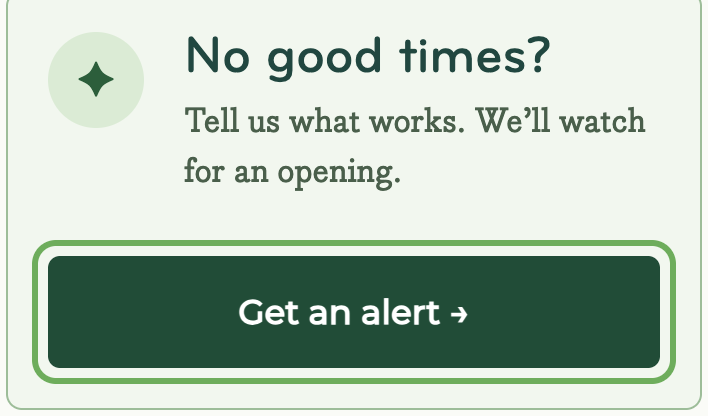
- Chefs will get notified of your request.
- They can update their cooking geography or schedule.
- If an update matches your request, you'll get notified (up to three times).
Notes
- Chefs set their own schedules and cooking geography (by zip code).
- All appointments are subject to our cancellation policy.
- You can't book single appointments more than 7 days ahead.
- You can book single or weekly appointments.
FAQ
- Where do you cook?
- We cook in the Austin, Dallas–Fort Worth and Denver areas. Check if we cook in your zip code.