
To reschedule, cancel your appointment first, then choose Reschedule. Your dinners, notes and visit settings move to the new time, including groceries you supply.
Steps
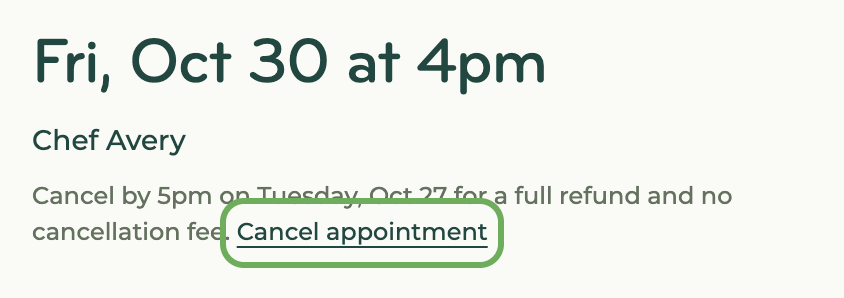
- Open the appointment and click "Cancel."
- Confirm the cancellation, then click "Reschedule."
- Choose your new time.
Notes
- Rescheduling is still subject to our cancellation policy. From a chef's perspective, rescheduling is the same as canceling, as they may not get rebooked in their original spot.
- If your chef cancels your appointment, you can be automatically rebooked. Learn more about setting your rebooking preference.