
Build your own bowls for up to three dinners. A bowl is the main, with a side from our menu, at the same service price.
Build your bowl
- On your Menu page, under Build custom dinners, click Build a bowl.
- Pick a base: rice, quinoa, couscous or greens. Greens bowls are eaten cold. The others reheat in the microwave.
- Pick one protein for everyone (chicken, ground beef or turkey, baked tofu, hard-boiled eggs, beans, lentils, plant-based chik'n or veggie crumbles), or no protein.
- Pick up to three toppings. Or click a starting combination, like Southwest, and change it.
- Pick a sauce. It comes in a cup on the side.
- Name your bowl and click Save bowl.
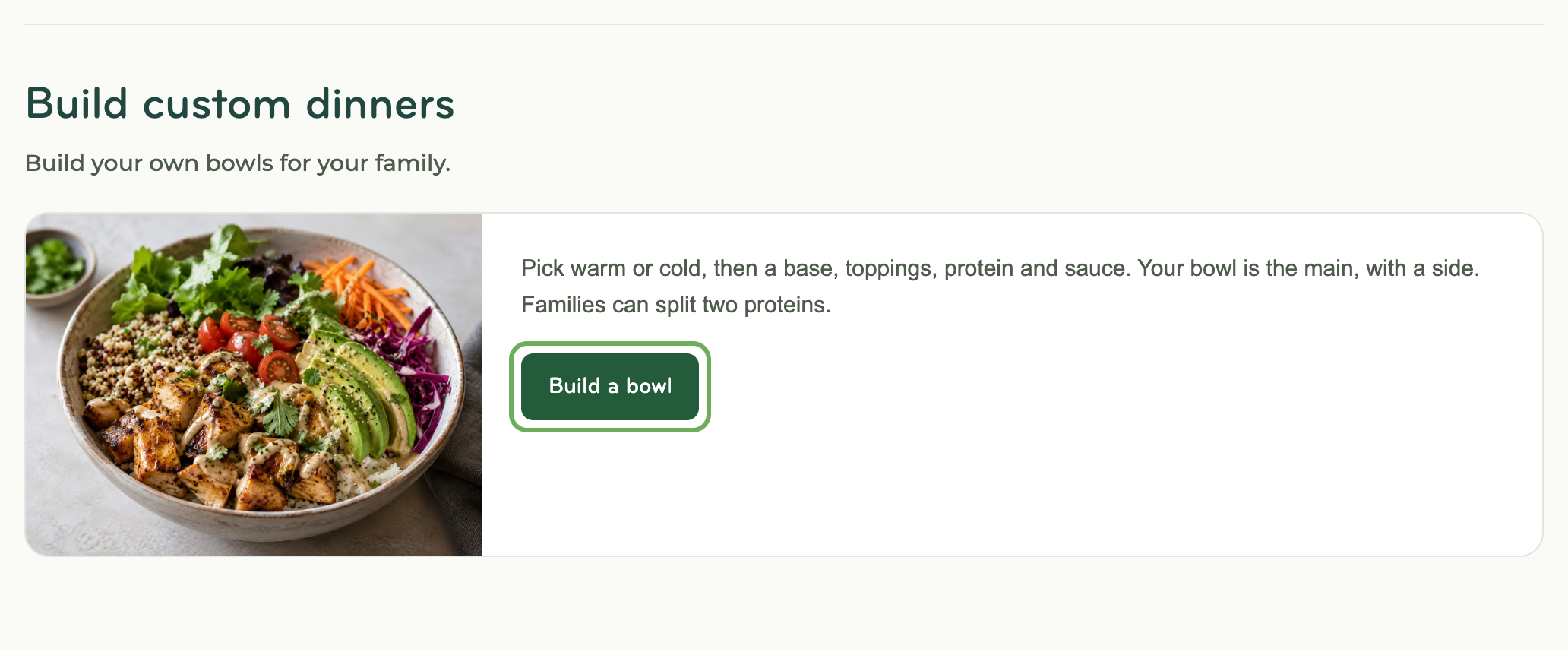
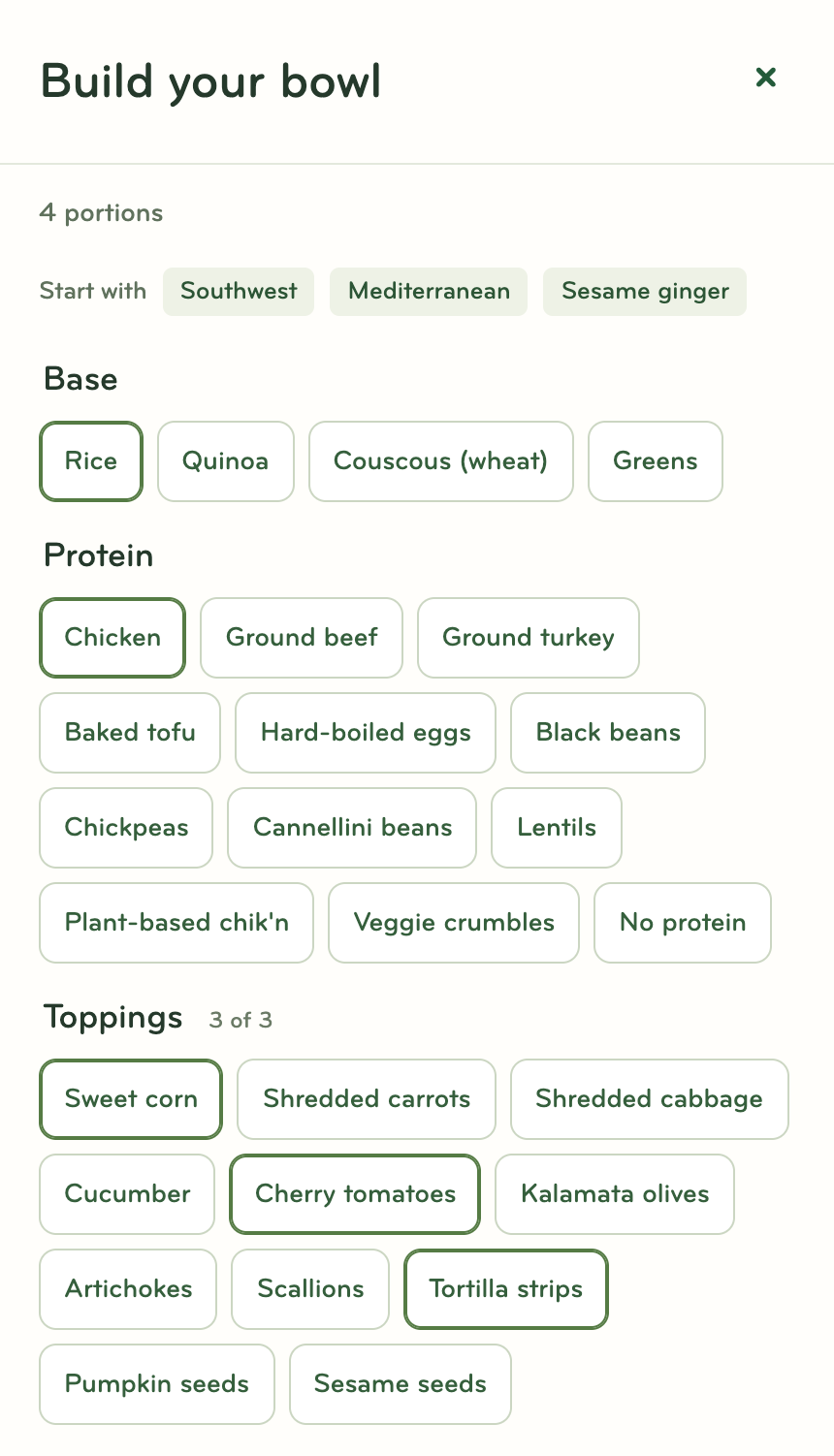
Each portion is packed in its own container with its own sauce cup, ready to grab for lunch.
Add a bowl to your appointments
On your appointment page, click Bowls under your dinners. Click Add next to a bowl, then Swap next to the dinner it replaces. The dinner keeps its side when it goes with the bowl. Or click Build a bowl: it's saved to your bowls, then you choose a dinner or Not this visit.
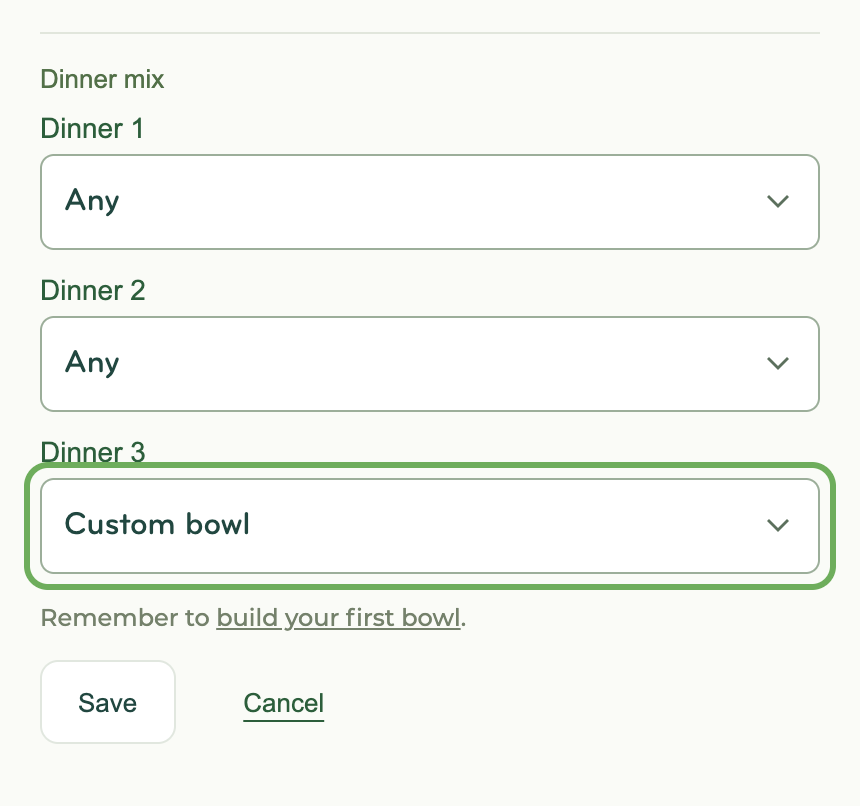
To have us include bowls when we suggest dinners, go to your Menu page and choose Custom bowl under Dinner mix for up to three dinners. We'll use a different one of your bowls for each.
Good to know
- Each bowl comes with a side from our menu. To change it, click the swap icon next to the side.
- Up to three bowls per appointment, each a different bowl.
- Save as many bowls as you like.
- Editing a bowl changes future dinners. Click Edit bowl on an appointment's bowl dinner to change that dinner too. Other appointments keep their version.
- A bowl that no longer fits your preferences shows "Not a fit" and the reason.
- Bowl nutrition estimates aren't available yet.