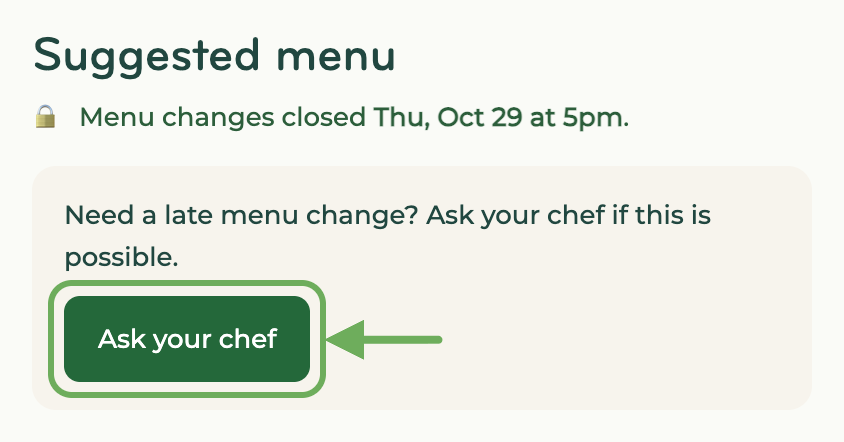
If you forgot to update your dinners, you can ask your chef if they're ok with a late change.
Options
If your chef says YES:
- They'll reopen changes for 60 minutes.
- You'll receive a text with a link.
- From your appointment page, you can update your dinners. 👍
If your chef says NO:
- you can keep your dinners as is or
- from your appointment page, cancel your appointment (a $35 late-cancellation fee applies).
Expectations
- Some chefs pack their staples and supplies right at 5pm, so late changes can result in 30+ minutes of extra prep. If they say no, please be understanding.
- If you don't get a text back from them right away, just hang tight. Chefs are magical, but they also go out to movies and sleep during the night. 😀
Next steps
- Go to your appointment page.
- Under your dinners, click "Ask your chef."
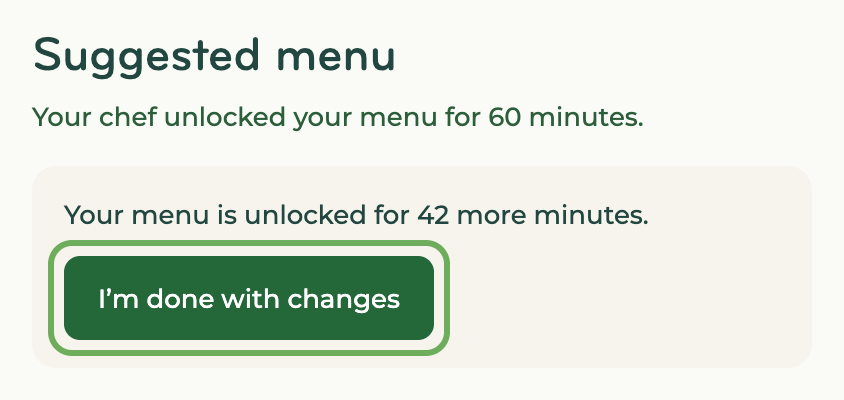
- Your chef will reopen changes for 60 minutes or let you know they can't.
- Make your changes, then click "I'm done with changes." Your chef gets your updated dinners right away. After 60 minutes, changes lock and your dinners are sent automatically.