
Tell us what your family likes on your Menu page, and we'll suggest dinners for every appointment. Spend a few minutes now to save lots of time every week. 🎉
Your preferences
Type what your family wants in your own words, like "No mushrooms" or "Two vegetarian dinners each visit." Then click Update.
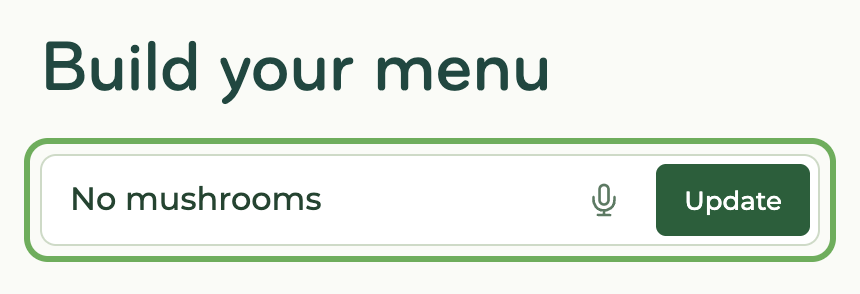
Your preferences show below the box. Click the pencil to change one. Anything you haven't set yet is under Add more.
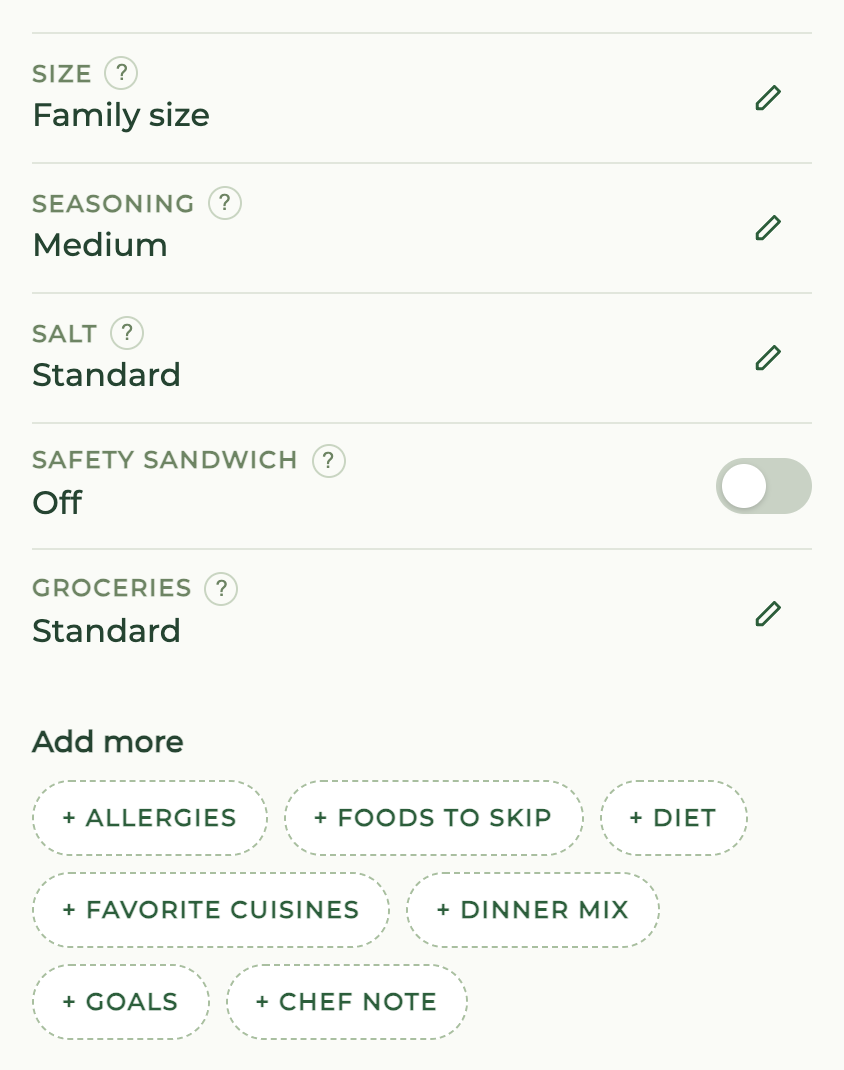
- Foods to skip - We leave them out of a dish when we can, or skip the dish. Pick Vegetarian dinners for meat or fish in every dinner. Learn more.
- Dinner mix - Pick a type for each dinner, like chicken, vegetarian, kid-friendly or a custom bowl.
- Seasoning - Low or high means about 50% less or more herbs and spices.
Rate dinners
Click the heart on a dish you love. Click the ✕ on a dish you don't want. Click again to undo.
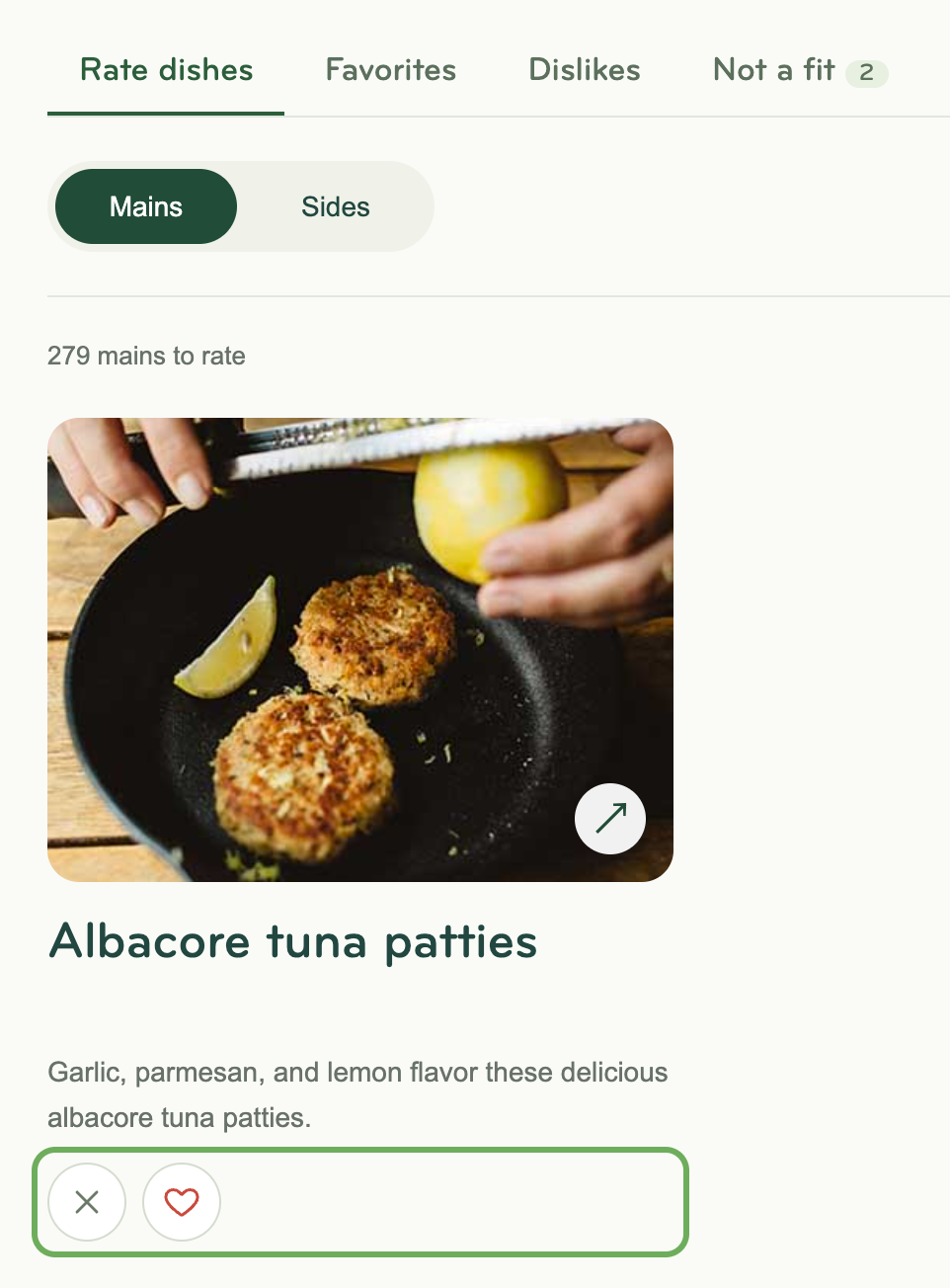
| Rating | Appear in suggested dinners? |
|---|---|
| Favorite | Yes, more often |
| Not rated | Yes |
| Dislike | No |
- Rate dishes - Dishes you haven't rated yet.
- Favorites and Dislikes - Your ratings.
- Not a fit - Dishes that don't fit your preferences, with the reason.
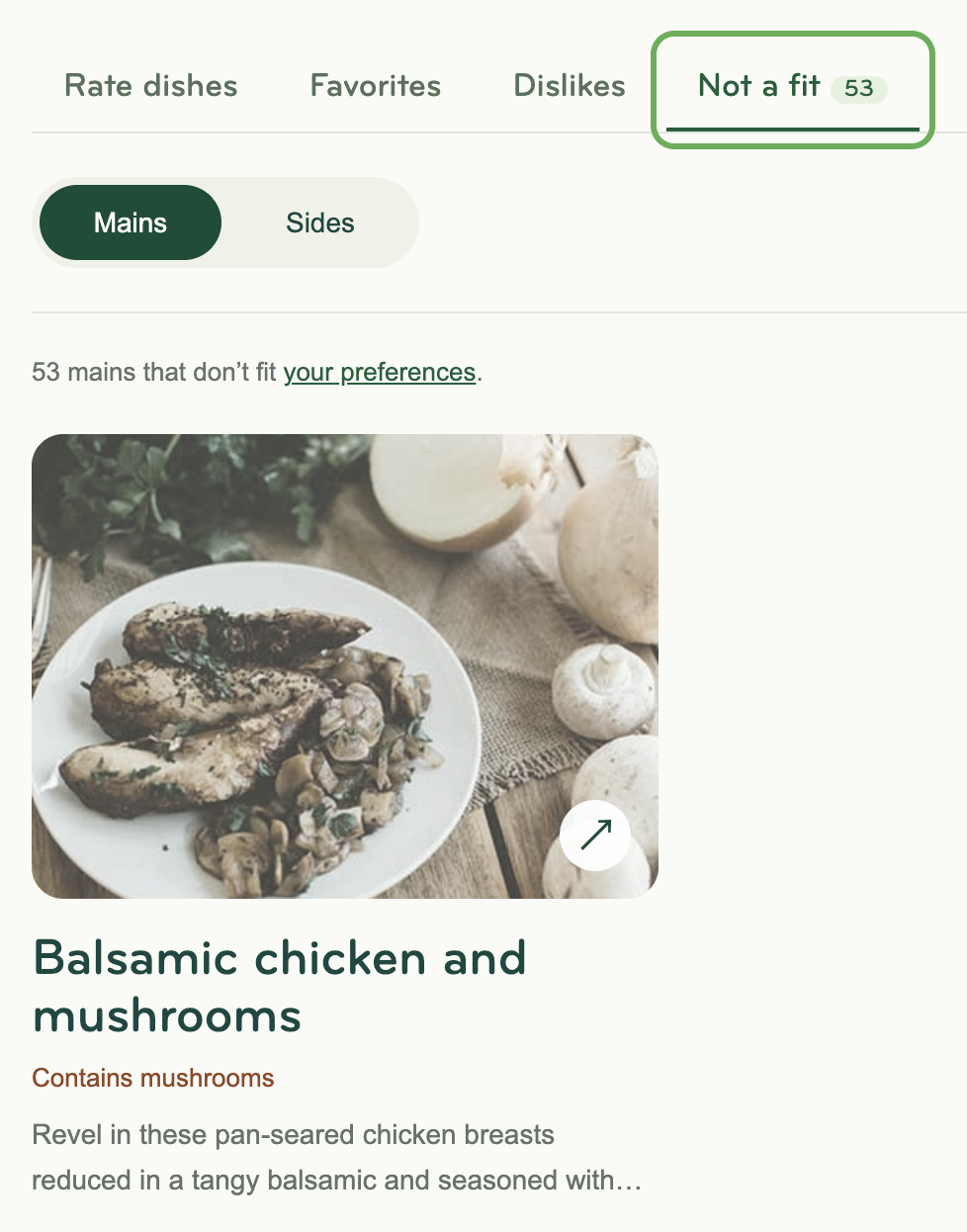
A dish marked Your version is changed to fit your preferences. Learn more.
How your dinners update
- We use your preferences and ratings each time we suggest dinners for an appointment.
- Dinners already on an appointment stay the same. To change them, update your dinners on the appointment page.
- Change your dinners any time before the deadline on your appointment page.
Need advice on your preferences? Just message support and we'll help!